02 · Running
Runalysis
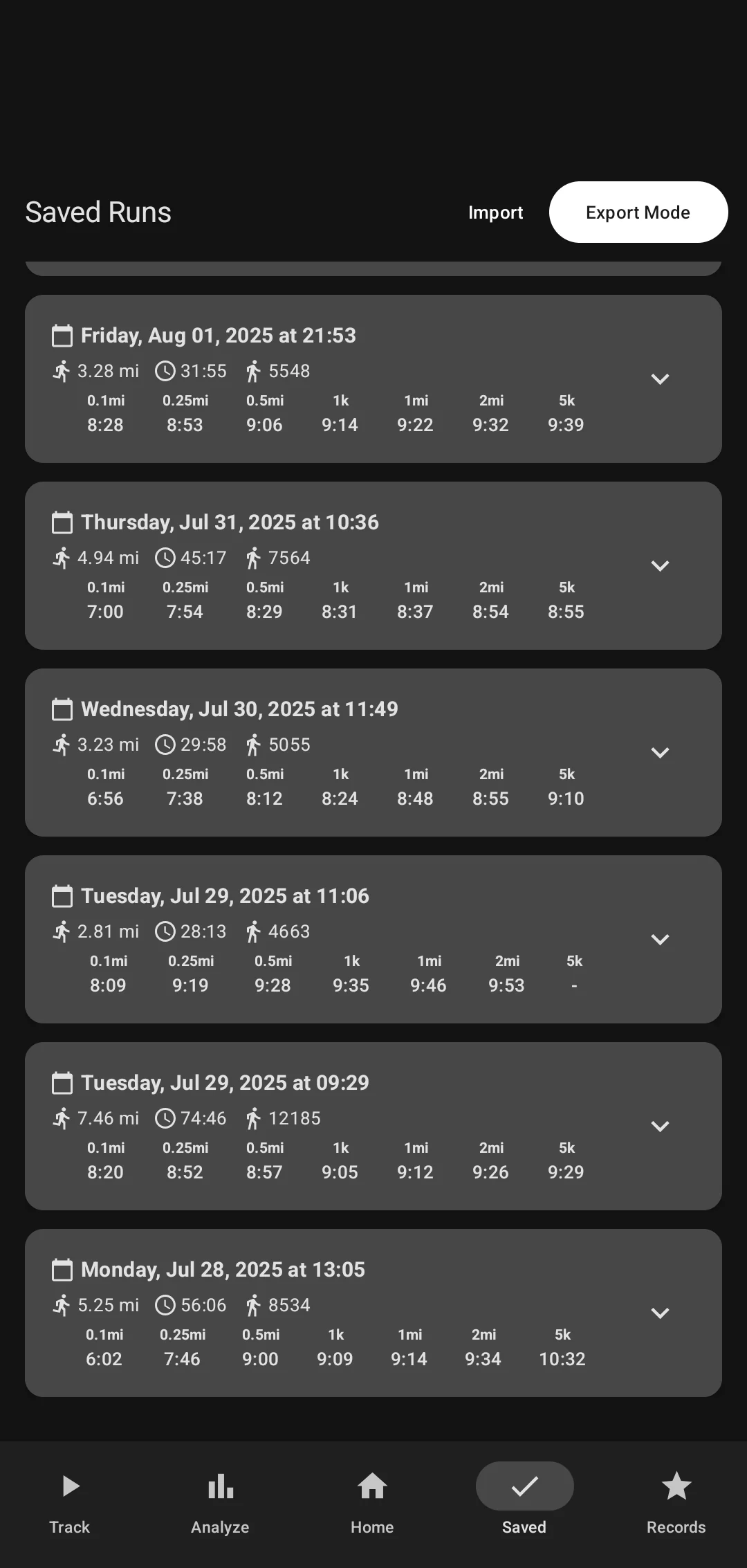
I start a tracker while Google Fit records the run anyway. Each reading becomes a point in a series. That series is one run — something I can compare, analyze, and keep, including a fastest stretch that happens in the middle of a longer day.
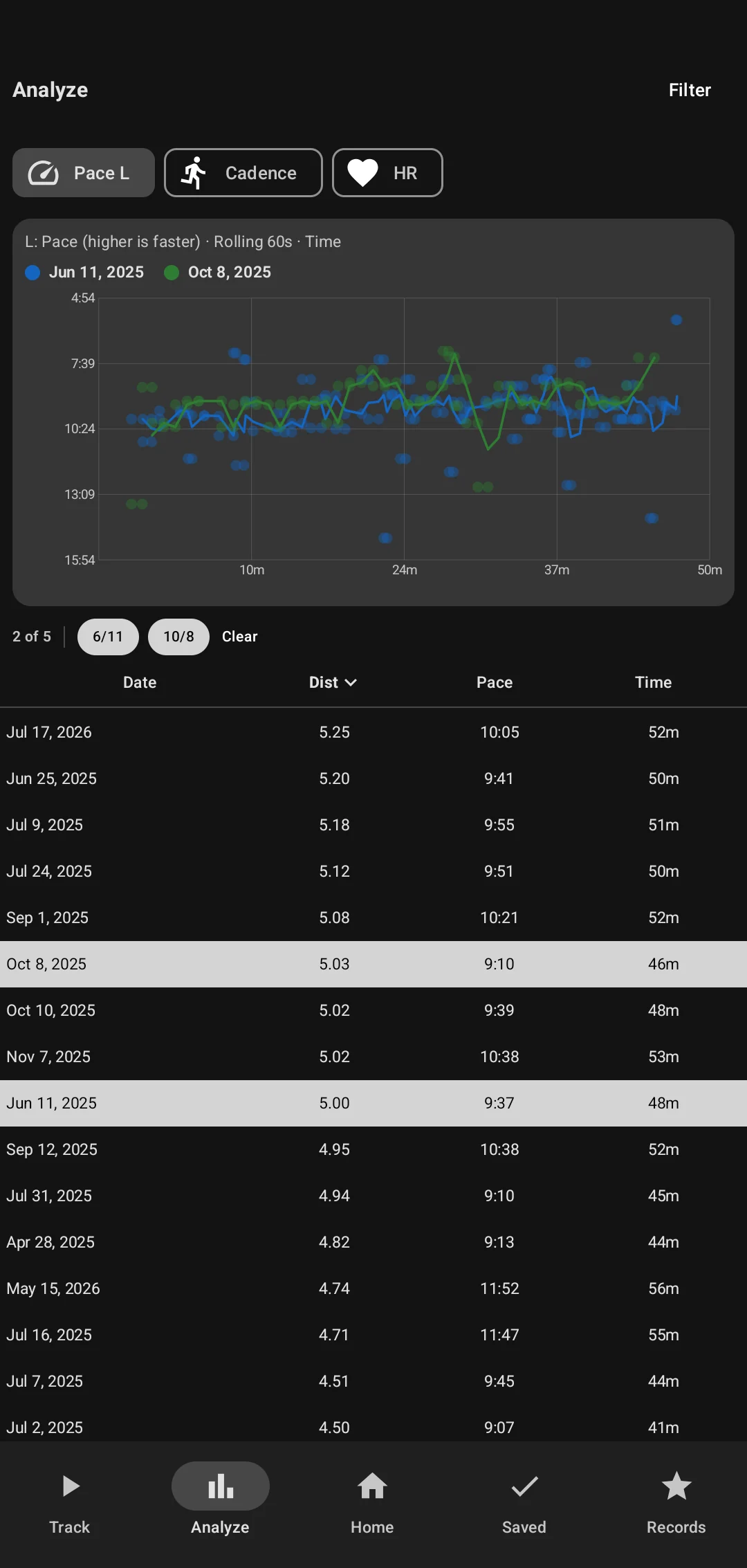
- Compare
- Runs on one chart
- Along a run
- Pace, cadence, heart rate
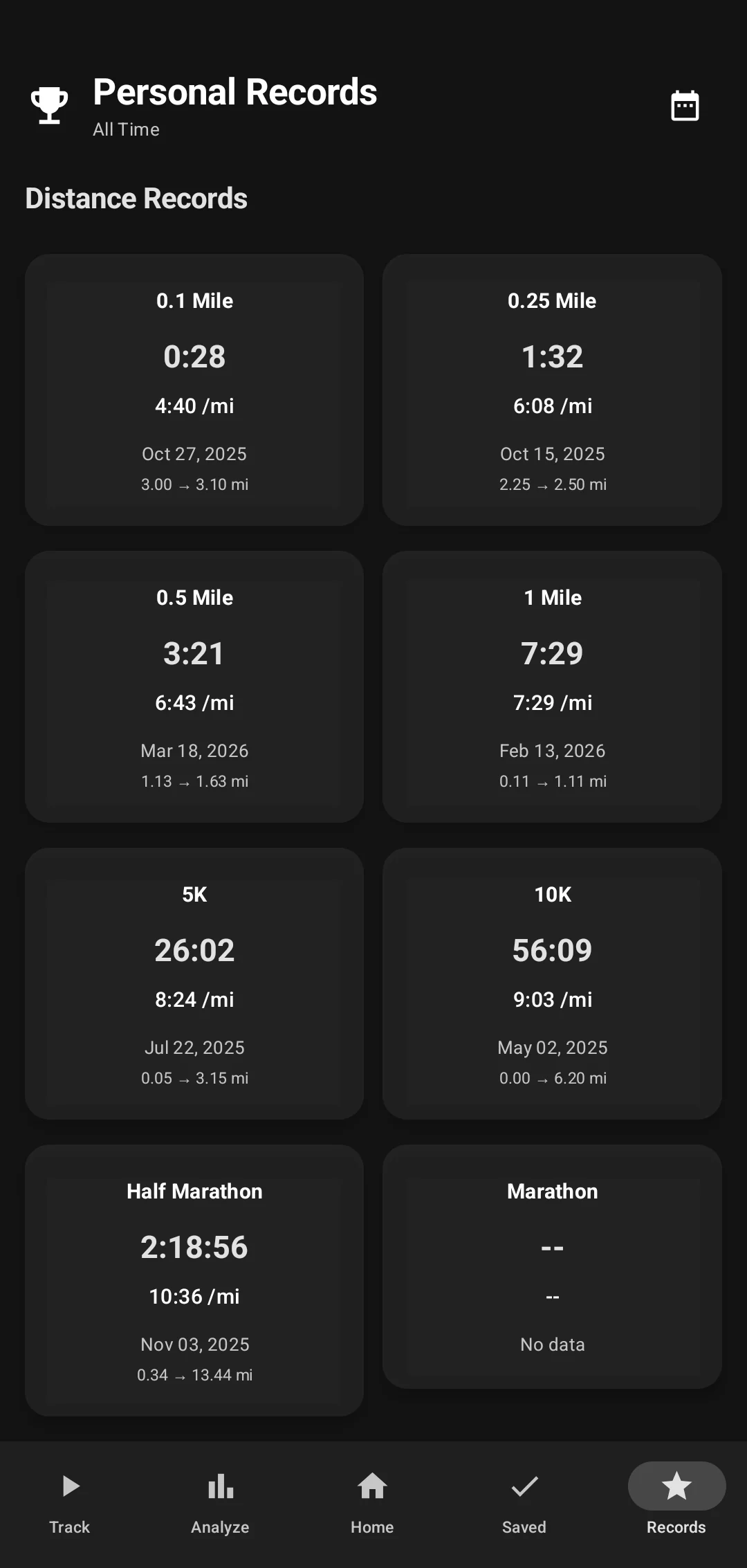
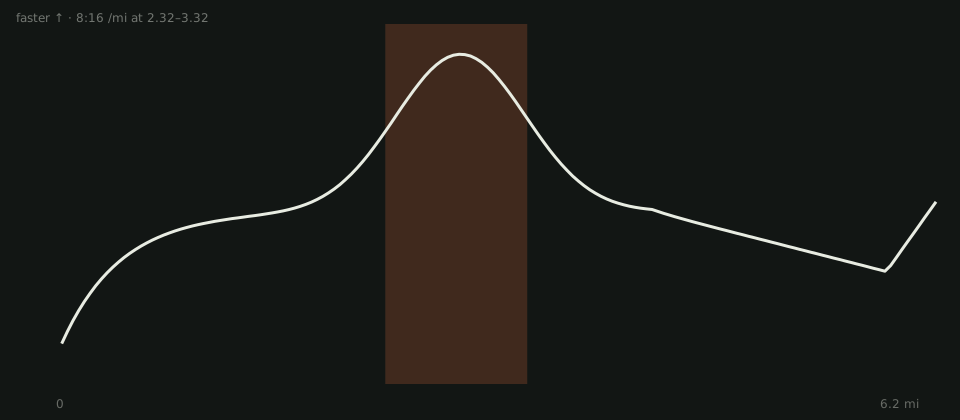
- A stretch
- Any length, starting anywhere
- Where
- On my phone
What it is
Fit is already timing the run. Runalysis sits beside it, builds a series of points, and lets me do the rest: compare days, look at pace or cadence, file the archive, or find a fastest segment that did not start at the gun.
How this actually works
Starting the Runalysis tracker begins taking timed screenshots of the Google Fit screen. The app reads each one and stores what it finds — distance, duration, steps, calories. One screenshot is one data point. The points in order are one run. A compile is those pictures played back, so you can watch the blue dot move.
From that series I can compare runs, look at pace, cadence, or heart rate, keep the archive, and ask for a fastest stretch of any length, even when it sits in the middle of a longer run.